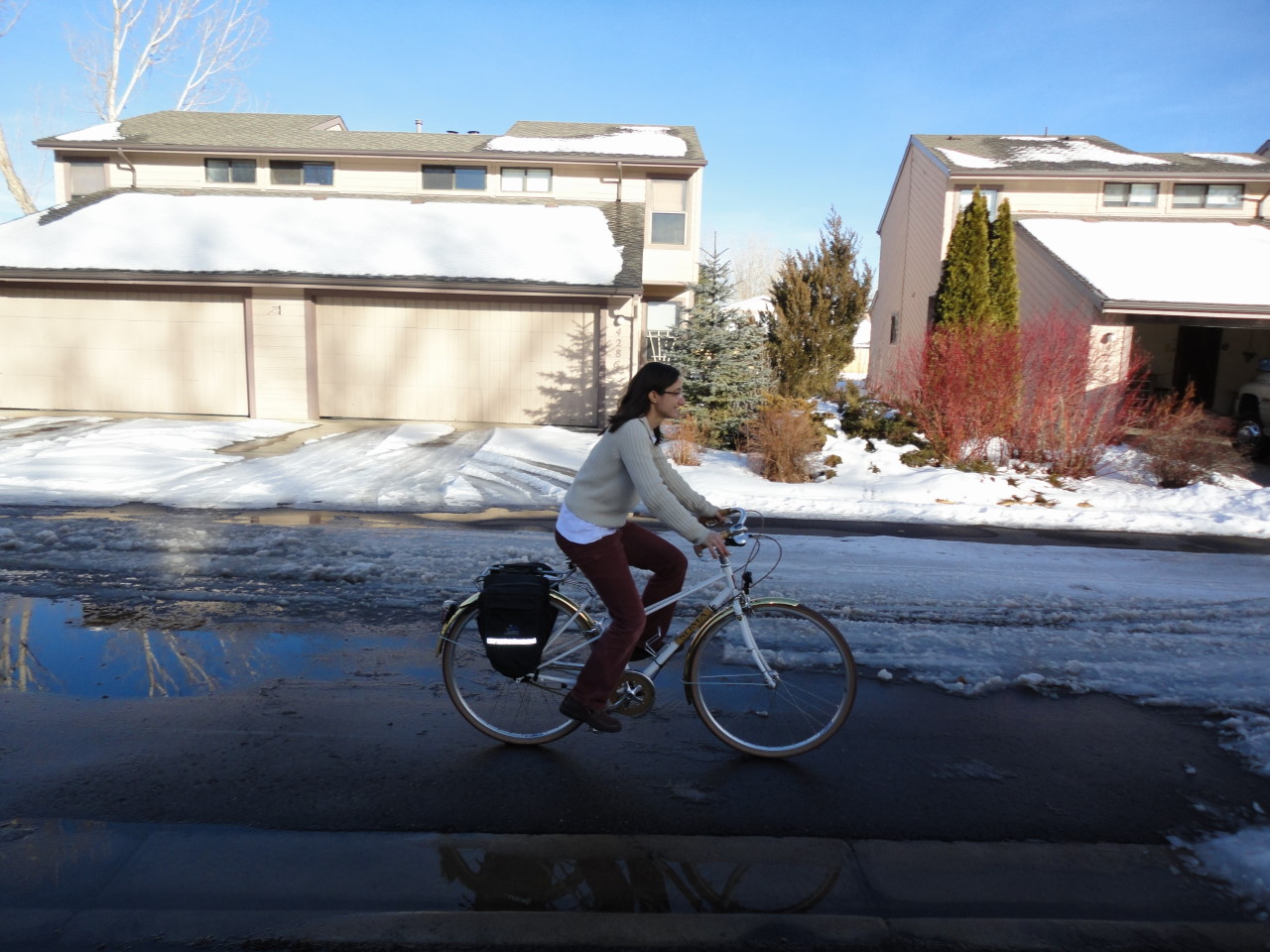
- Choose a photograph:
- Scan a line drawing:
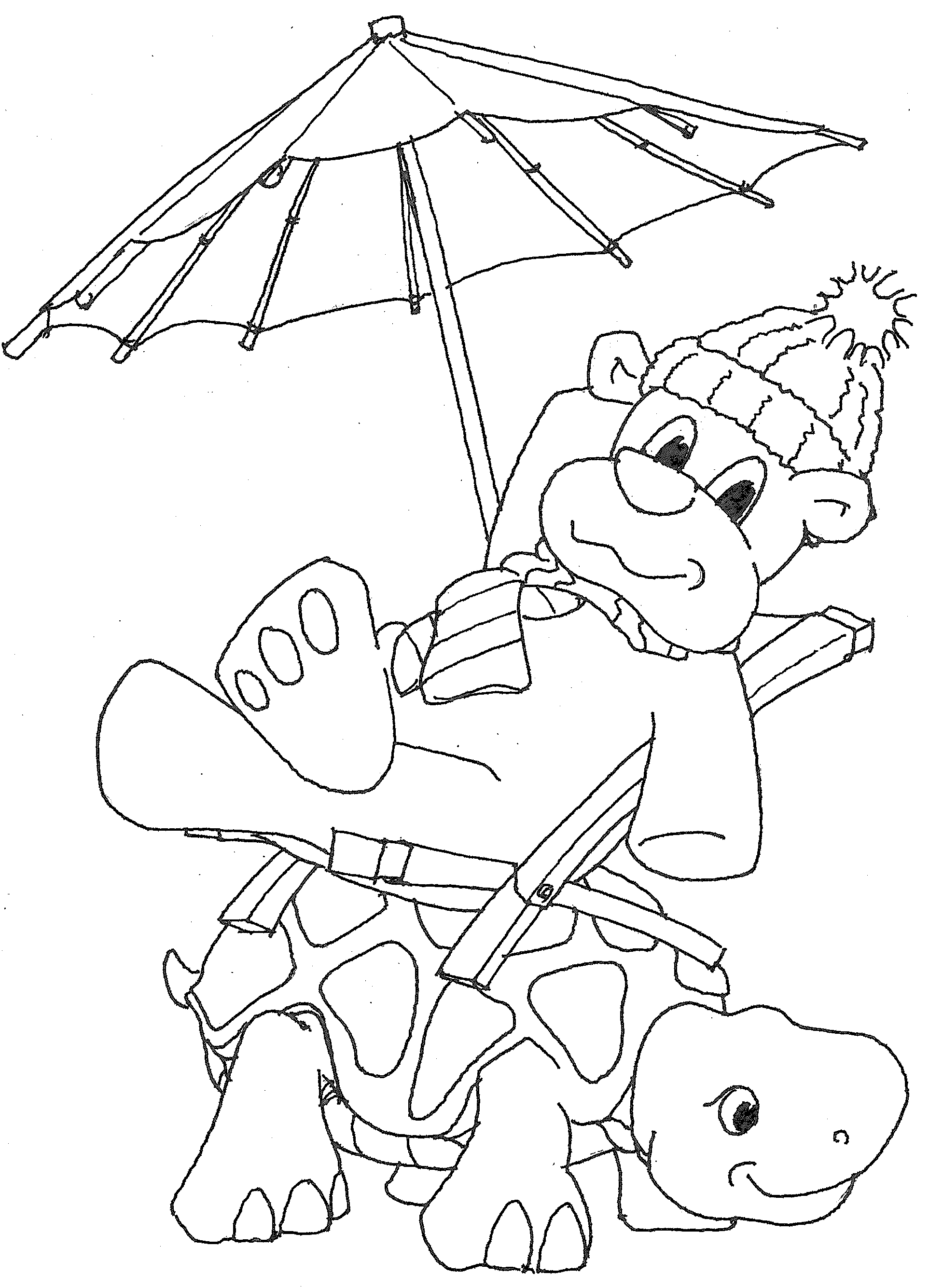
- In PhotoShop, import the line drawing and switch into RGB mode.
Use the "magic wand" to select white space. Press "delete". Only the
lines should remain.
- Using the "brush" and the "fill", add color:
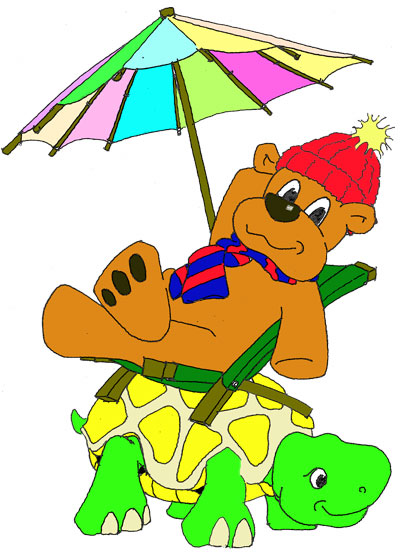
Use the brush to close regions; then apply the fill/bucket tool to
color entire regions at once.
- Copy the now-colored cartoon to a new layer above the photograph,
resize, and move:
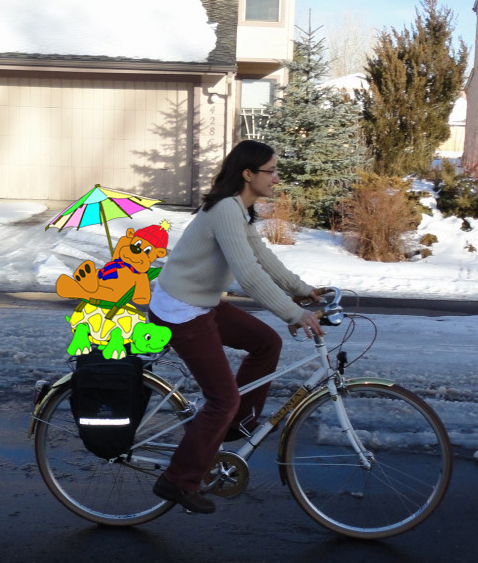
(I cropped the photo in this case.) Then use the eraser on the
cartoon layer to remove portions that should be behind objects in
the photograph.